

Adhesive Cable Clips: Test the Surface and Route Cords Away from Footpaths
2 min read
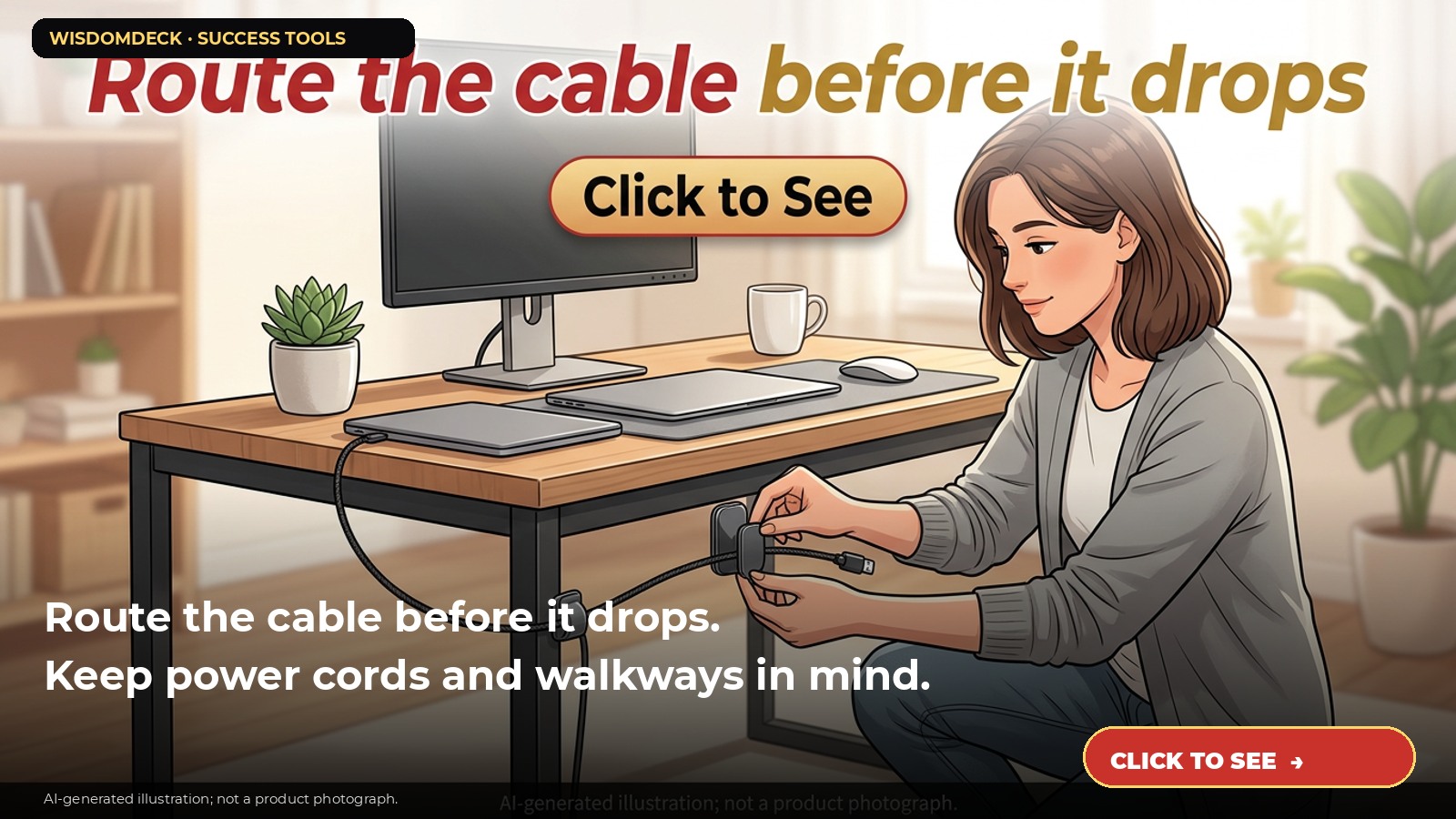
We may earn a commission if you buy through this link.
See Grizzly Supply magnetic cable clips on Amazon. Check the current listing before buying; existing supplies may be all you need.
A cable clip can keep a charging cord near the edge of a desk instead of letting it fall behind furniture. It is a small organizer, not a strain-relief device or electrical safety fix. Follow the clip, cable, and device instructions before attaching it.
Choose the right cord and location
Check the clip’s stated cable diameter and use it only for compatible cords. Do not place a clip where the cable will bend sharply, stretch, rub against a sharp edge, or sit near heat or moisture. Keep cords out of doorways and walking paths.
Do not use small adhesive organizers to support heavy cables, extension cords, or equipment unless the product is specifically designed for that load. Never use a clip to conceal damaged wiring or hold a plug in a loose outlet.
Test the surface first
Read the adhesive instructions for surface type, cleaning, temperature, and curing time. Check whether the desk finish can tolerate adhesive. Test a discreet area if the manufacturer permits and wait for the specified time before routing a cord.
For example, place a clip on the side of a desk near a phone charging spot, let it bond as directed, then route one light cable through the channel. Confirm the cable can be removed without pulling the clip loose or straining the connector.
Keep electrical use within limits
Use only intact cables and chargers rated for the device. Do not run cords under rugs, through closed doors, or where furniture can pinch them. Avoid bundling or covering power cords in a way that traps heat. Follow the charger and appliance maker’s instructions.
Keep cables away from liquids, pets that may chew them, and children who could pull a device down. If a cord becomes hot, frayed, or damaged, unplug it safely and replace it; a clip cannot make a damaged cord safe.
Recheck the organizer over time
Inspect the adhesive and clip periodically. If it lifts, becomes brittle, or causes a cable to catch, remove it according to the surface and product instructions. Do not yank the clip off a delicate finish; use the recommended removal method.
Use as few clips as needed and label only when that helps you identify cords. Keep access to plugs, switches, and ventilation clear.
Compare channel size and adhesive details
The referenced Grizzly Supply listing describes magnetic cable clips with adhesive backing; check the current version for cable diameter, surface compatibility, pack size, and removal instructions.
A simple cord tie or existing cable route may already solve the problem. Choose clips only when the surface and cable are compatible and the route stays clear of hazards. Keep the clip away from children and pets. Label only cords when the destination is clear and useful.

Launch list
Be there on day one.
One email when the book opens on Kickstarter. Nothing else. Already reading the book? Your Cheat Sheet is at wisdomdeck.com/free.
Coming soon on 
The book itself — 40 laws in ten parts, 320 pages, each ending with The Work — is funded first on Kickstarter.


