

BenQ ScreenBar Review: The Desk Lamp That Takes No Desk Space and Causes No Glare
4 min read
As an Amazon Associate we earn from qualifying purchases. Nobody paid to be on this page; we only list what we would hand to a friend. We have not laboratory-tested these items — we read the specifications and hundreds of buyer reviews, praise and complaints alike, and chose accordingly.
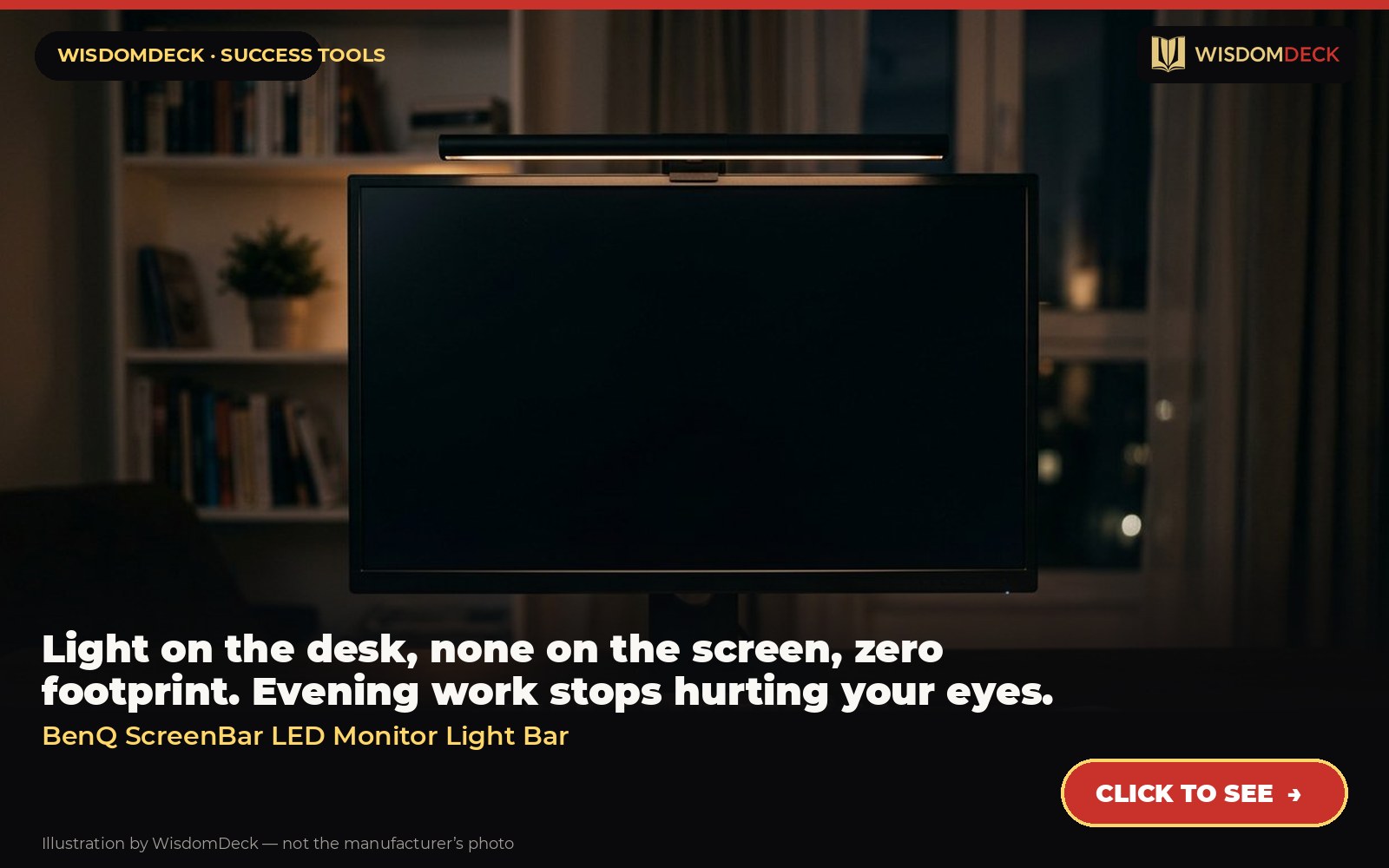
Click hereto see it→Click to see the BenQ ScreenBar LED Monitor Light Bar
Light on the desk, none on the screen, zero footprint. Evening work stops hurting your eyes.
The problem it solves
Evening work under a ceiling light or a lamp that reflects in the monitor is a slow drain on attention. A light bar that clips to the top of the screen lights the keyboard and paper in front of you with an asymmetric beam that puts nothing on the screen, and it occupies no desk space at all.
What it is
A light bar that clips on top of a monitor and lights the desk without putting glare on the screen; auto-dimming, adjustable warmth.
From the manufacturer’s own listing, the features that matter:
- Eye Caring & Top Quality – Flicker-free and anti-blue light hazard LED light source with CRI>95 for natural colours. Long lifespan LED tested to last for 17 years with 8 hours of daily use.
- Patented Clamp – Mounts securely on monitors 0.4"-1.2" thick, saving space with a patented counterweight clamp with great stability. Fits ultrawide and curved monitors of 1500R and above. (Note: Special monitor back design may affect compatibility.)
- No Screen Glare – With carefully calculated beams, ScreenBar’s ASYM-Light technology prevents screen reflections and direct glare, ensuring comfortable screen reading.
- Wide Lighting Coverage – Provides a 500lx brightness across a wide 23.6" x 11.8" (60x30cm) area, effectively balancing ambient light and screen brightness for better eye comfort. Easily powered via USB-A.
- Auto Dimming & Touch Control – Built-in light sensor automatically adjusts brightness based on ambient light. Intuitive touch controls allow manual adjustments of brightness and colour temperature from 2700K-6500K.
Who it is for
Anyone who works at a screen in a dim room or gets afternoon eye strain from a desk lamp reflecting off the display.
How to use it in a routine that sticks
Set it to warm and dim for the last work block of the day and to cool and brighter for morning writing. Use the auto-dimming so you stop thinking about it. Pair it with the rule that the monitor is the only light in the room after dinner, and the eyes last an hour longer.
What buyers say
Praise. The near-universal comment is ‘why did I wait’ — no glare, no footprint on the desk, warm light at night.
Complaints. Mounting on very thin or curved monitors can be fiddly; controls on the bar itself are less convenient than the Halo’s remote.
Who should skip it
Curved or very thick monitors should check the clip fit. It lights the desk, not your face; for video calls you need a front light such as the Key Light Air.
Alternatives worth a look
- Furmax Executive High-Back Chair — someone who prefers a padded seat to mesh and wants an office look on video calls.
- NEO Chair Ergonomic Mesh Chair — first real office chair for a home desk without spending furniture-store money.
Verdict
The best fix for evening eye strain at a desk. Small, clever and the kind of thing you wonder how you worked without.
Click hereto see it→Click to see the BenQ ScreenBar LED Monitor Light Bar
Two books to go with it
Getting Things Done by David Allen
The original system for getting everything out of your head and into a trusted place.
Getting Things Done (paperback) Click hereto see it→
Outlive by Peter Attia
A long, serious book about living longer in good health; the exercise chapters alone justify it.
Outlive (paperback) Click hereto see it→
Links are affiliate links; the price to you is identical. Nothing here is medical or professional advice; these are tools for home office routines, not treatments.
More picks, with pictures
Three tools and three books that fit the same goal. Each has its own full review here, including who should skip it.
As an Amazon Associate we earn from qualifying purchases. Images are our own review cards, not product photos.


Launch list
Be there on day one.
One email when the book opens on Kickstarter. Nothing else. Already reading the book? Your Cheat Sheet is at wisdomdeck.com/free.
Coming soon on 
The book itself — 40 laws in ten parts, 320 pages, each ending with The Work — is funded first on Kickstarter.


