

A Desk Book Stand Setup: Put the Page at a Useful Angle
2 min read
We may earn a commission if you buy through this link.
See Readaeer adjustable metal book stand on Amazon. Check the current listing before buying; existing supplies may be all you need.
A book stand can hold a recipe, reference book, or sheet music open while leaving your hands available for the task. It works best when the stand, book, and work surface are stable. It is an organizational aid, not a promise of improved posture or a replacement for taking breaks.
Choose a stable surface
Set the stand on a level desk or counter with enough room to open the book safely. Keep it away from hot burners, splashing water, and the edge of the surface. Check the feet and back support before placing a heavy book on it.
Use the stand for materials within its stated size and weight range. A large textbook, binder, or tablet may need a different model. Do not place a device on the stand unless the product is designed to support it.
Adjust the angle and page holders
Follow the stand’s instructions to choose an angle and position any page clips. Open the book carefully, avoiding excessive force on the spine. Make sure clips hold the page without tearing it or blocking text you need to read.
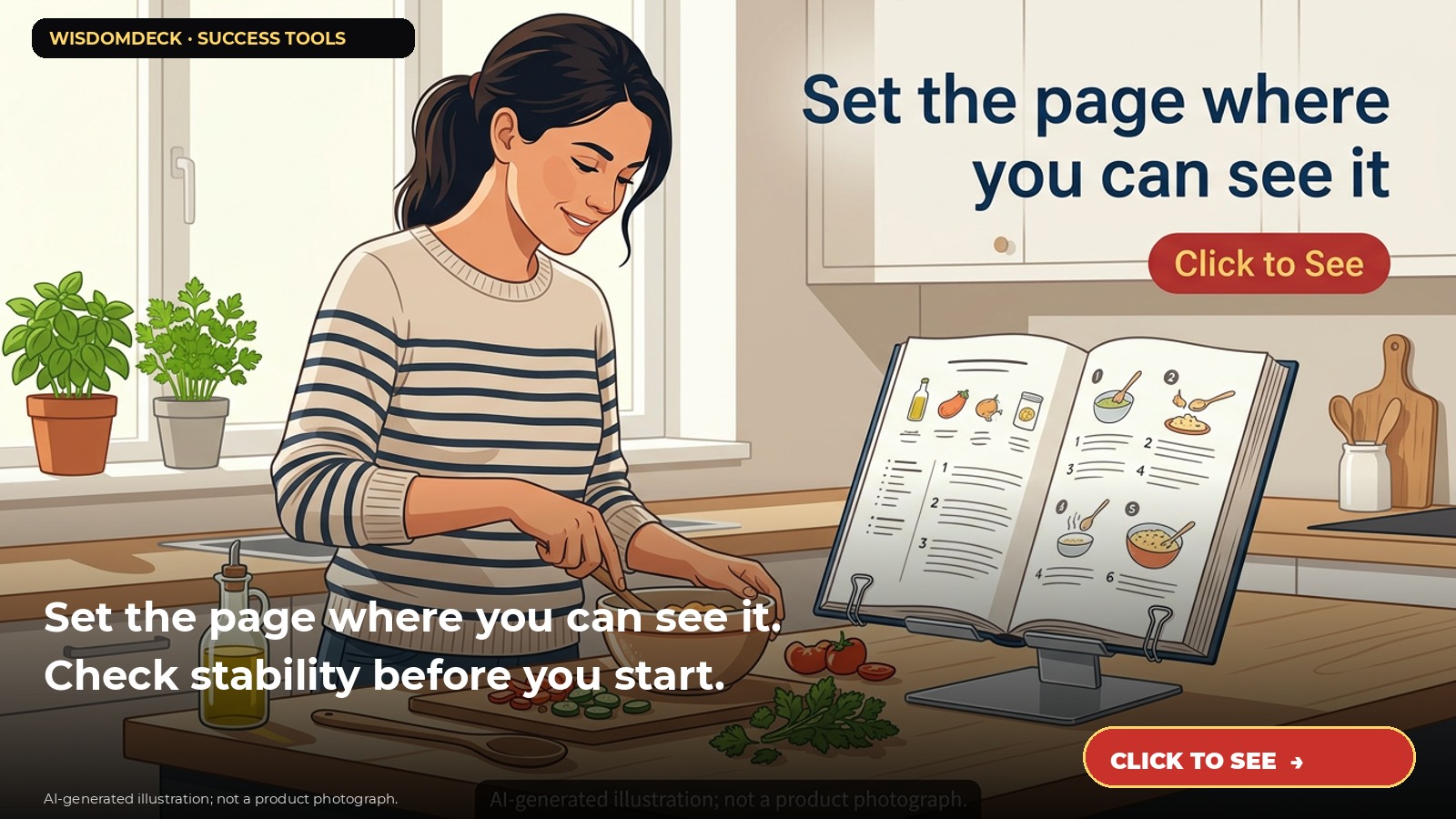
For example, put a cookbook on the stand at the back of a dry counter, check that the page stays open, then keep ingredients and utensils separate from the book. Turn pages with clean hands when cooking and wipe splashes off only as the book’s care allows.
Protect the stand and materials
Keep the stand away from moisture if it is not designed for wet locations. Avoid using it as a cutting board, shelf, or support for an object heavier than the maker allows. If it bends, slips, or tips, remove the book and reset the stand rather than trying to hold it in place while working.
When finished, fold or store the stand according to its design. Check hinges, clips, and non-slip pads periodically. Stop using it if a part is loose or damaged.
Set up a comfortable work session
Position the stand so the material is easy to see without placing it in a path where it can be bumped. Adjust your chair and lighting for the task, and take breaks during extended reading. If discomfort persists, consider changing the workspace setup or seeking appropriate professional advice.
Do not clamp the stand to a surface unless it is designed for that purpose. Keep small clips away from young children and pets.
Compare dimensions before purchase
Check the current listing for surface size, number of positions, materials, clips, and supported uses. The referenced Readaeer model is described as an adjustable metal stand with page clips; verify its current specifications before purchase.
A cookbook holder or existing shelf may already serve the same role. Choose a stand only if it fits the material and workspace you actually use.

Launch list
Be there on day one.
One email when the book opens on Kickstarter. Nothing else. Already reading the book? Your Cheat Sheet is at wisdomdeck.com/free.
Coming soon on 
The book itself — 40 laws in ten parts, 320 pages, each ending with The Work — is funded first on Kickstarter.


