

A Desktop Calculator Check: Write Down the Numbers Before You Add Them
2 min read
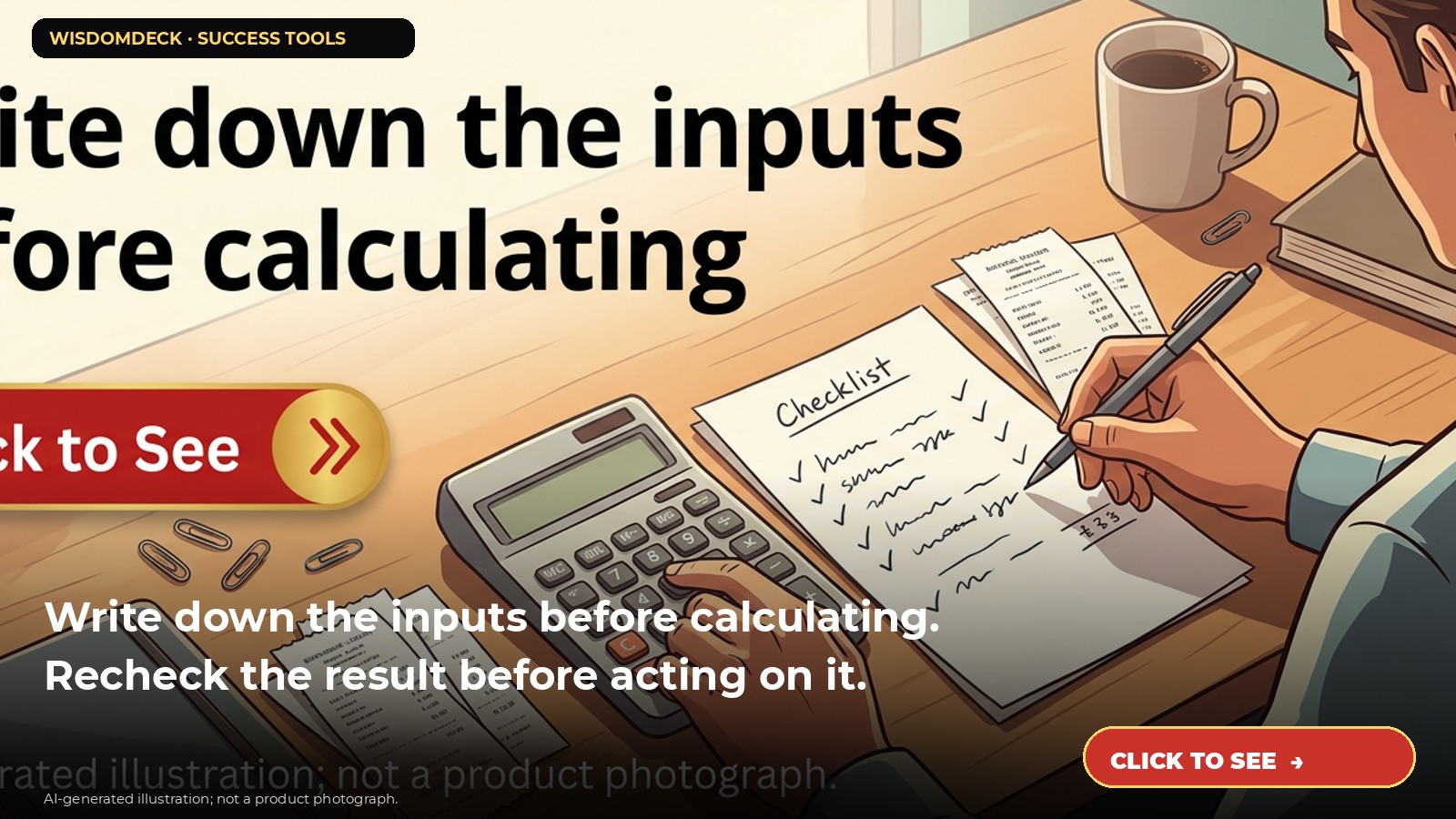
We may earn a commission if you buy through this link.
See Casio DM-1200BM desktop calculator on Amazon. Check the current listing before buying; existing supplies may be all you need.
A desktop calculator can make everyday arithmetic easier to repeat, but it only returns an answer based on the keys entered. Write down where the numbers came from and check the result before using it to make a financial decision. For taxes, legal matters, or complex finances, use authoritative guidance or a qualified professional.
Set up a clear calculation
Place the calculator on a stable desk with enough light to read the display. Gather source documents and write the relevant figures on paper or in a secure file. Keep personal financial records private and avoid leaving sensitive papers in a shared space.
Decide what you are calculating before pressing keys. For example, label each input as a monthly amount, quantity, or rate so you do not mix units. If you are comparing totals, use the same time period and categories.
Enter numbers deliberately
Type one number at a time and pause to confirm the display. Use the clear or correction key according to the manual if you enter a digit incorrectly. Do not continue a long calculation if you are unsure which operation is active.
For example, to add several household expenses, list each category and amount first, then enter them one by one and compare the displayed total with a second pass. A second calculation may catch a transposed digit, but it does not prove that the original figures were complete or accurate.
Check the arithmetic and assumptions
Review the operation, decimal places, signs, and any percentages. Distinguish a simple estimate from an exact bill or statement. If the result looks unexpected, repeat the calculation from the source documents rather than adjusting a number until the answer feels right.
Tax keys and margin functions can apply specific formulas; read the manufacturer’s manual and confirm what those keys do. Do not treat a calculator’s tax feature as current tax advice or an official tax determination.
Protect records and maintain the device
Clear or turn off the calculator when finished. Keep it away from liquids, heat, and children if small parts or batteries could be a hazard. Follow the instructions for cleaning and battery replacement, and store any notes with the records they reference.
If the display is faint or buttons stick, check the manual and power source. Do not rely on a faulty calculator for an important transaction.
Check display and functions before buying
Review the current listing for display size, power source, keys, dimensions, and warranty information. The referenced Casio model is listed as a desktop calculator with business functions; verify the current specifications and whether you need those features.
A phone calculator or existing device may be enough for simple sums. Choose a desk model if its layout and display make your routine easier to check.

Launch list
Be there on day one.
One email when the book opens on Kickstarter. Nothing else. Already reading the book? Your Cheat Sheet is at wisdomdeck.com/free.
Coming soon on 
The book itself — 40 laws in ten parts, 320 pages, each ending with The Work — is funded first on Kickstarter.


