
Reusable Cable Ties for a Desk Reset: Bundle Only What You Can Identify
3 min read
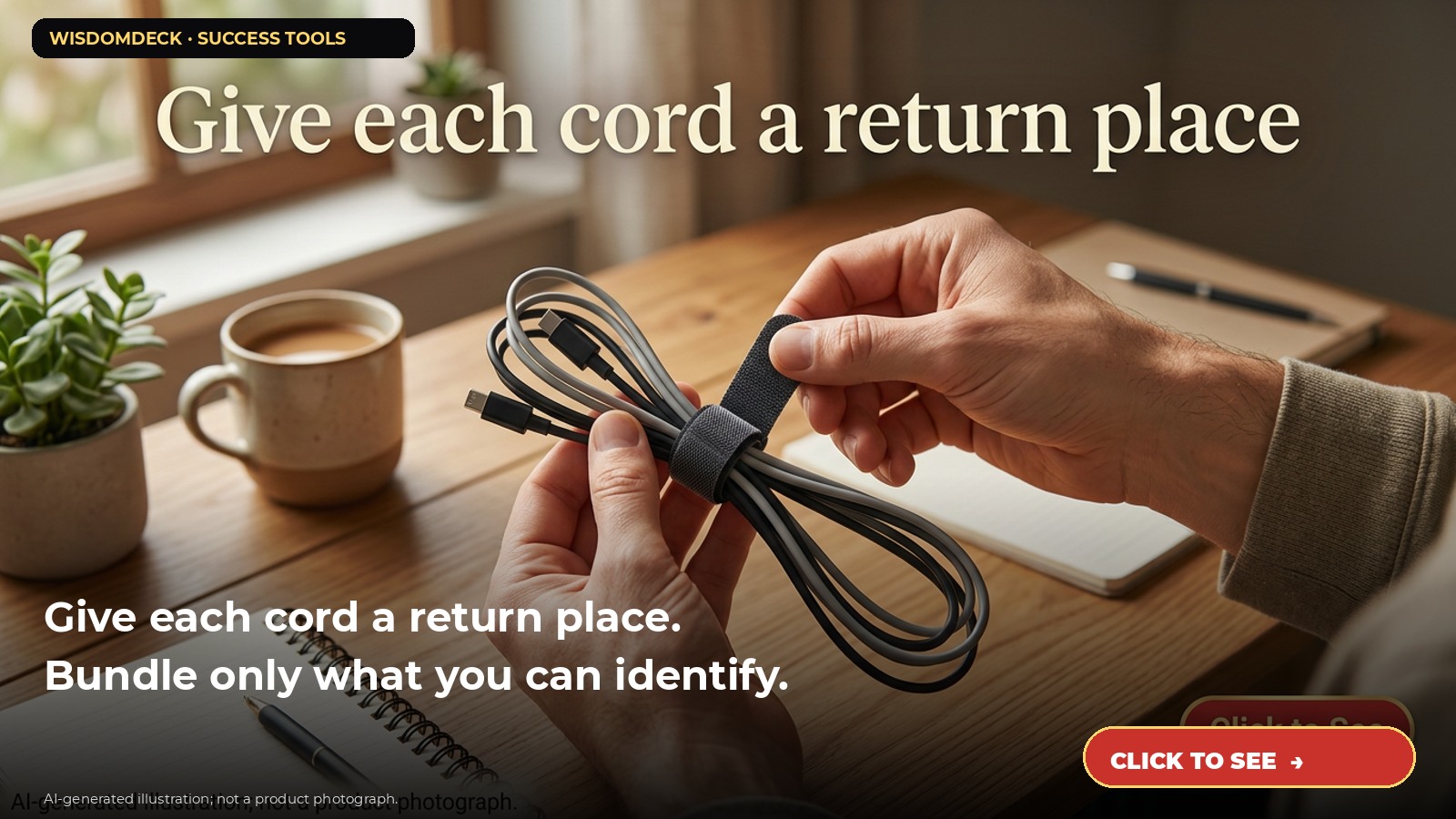
We may earn a commission if you buy through this link.
See Amazon Basics reusable cable ties on Amazon. Check the current listing before buying; existing supplies may be all you need.
A desk cable tangle is annoying, but an aggressive tidy can make it harder to identify a plug when you need to move a device. Reusable ties can keep a few known cords together while still allowing access. The goal is not to make every cable disappear; it is to make the setup understandable.
Before rearranging anything, identify the equipment and follow its instructions. If a cord’s purpose is unclear, do not unplug it just to improve the appearance of the desk. Ask the device owner or consult the equipment documentation.
Start with one device at a time
Trace each cord from the device to its power source or connection point. Labeling or photographing a complicated setup may help, provided you avoid recording passwords, serial numbers, or other sensitive information in an exposed place. For shared or workplace equipment, follow the organization’s rules before changing connections.
Unplug only equipment that the manufacturer says may be disconnected safely, and shut it down as directed. Do not pull on a cord, force a plug, or work on damaged wiring. If you see fraying, heat damage, a loose outlet, or anything that concerns you, stop and consult a qualified person.
Bundle compatible cords loosely
Group cords that travel to the same device or follow the same route. Leave enough slack for the equipment’s normal movement and for the connection to remain unstressed. A tie should hold a bundle, not crush insulation, pinch a cable, or sharply bend a connector.
Keep power cords and signal cables arranged according to equipment guidance. Do not cover ventilation openings or place bundled cords where they could be tripped over, snagged, or exposed to heat or liquids. A tidy appearance is not worth compromising safe access.
Keep identification visible
When several cords look alike, add a clear, non-damaging label near an accessible end before bundling. Write the device name, not a guess about the cord’s technical function. Avoid attaching anything that can slide into a connector or obstruct a port.
For example, a desk with a monitor, lamp, and charger can be handled as three small known groups instead of one large knot. If you cannot confidently follow a cord, leave it accessible until its owner or documentation clarifies it.
Review before tightening the setup
After arranging a group, check that connectors are seated as intended, cords are not under tension, and every device still has the clearance and ventilation it needs. Move one device through its normal range to confirm the cable has enough slack. Do not test by yanking a plug or bending the cord sharply.
Reusable hook-and-loop ties can be opened when the arrangement changes. Use the product directions and do not assume a household tie is suitable for heavy loads, outdoor exposure, or electrical repair.
Who can skip the ties
If the desk has only a couple of cords, an existing cable channel or a simple label may be enough. Skip the purchase if you cannot identify the connections, if equipment rules prohibit changes, or if the problem is a shortage of safe outlets rather than loose wiring.
Start with one clearly understood device and reassess. A useful result is an accessible, identifiable arrangement—not an unsupported promise that a tie will protect cables or solve every wiring problem.

Launch list
Be there on day one.
One email when the book opens on Kickstarter. Nothing else. Already reading the book? Your Cheat Sheet is at wisdomdeck.com/free.
Coming soon on 
The book itself — 40 laws in ten parts, 320 pages, each ending with The Work — is funded first on Kickstarter.