

Apple iPad 10th Generation Review: The Learning Tablet, If You Set the Rules First
4 min read
As an Amazon Associate we earn from qualifying purchases. Nobody paid to be on this page; we only list what we would hand to a friend. We have not laboratory-tested these items — we read the specifications and hundreds of buyer reviews, praise and complaints alike, and chose accordingly.
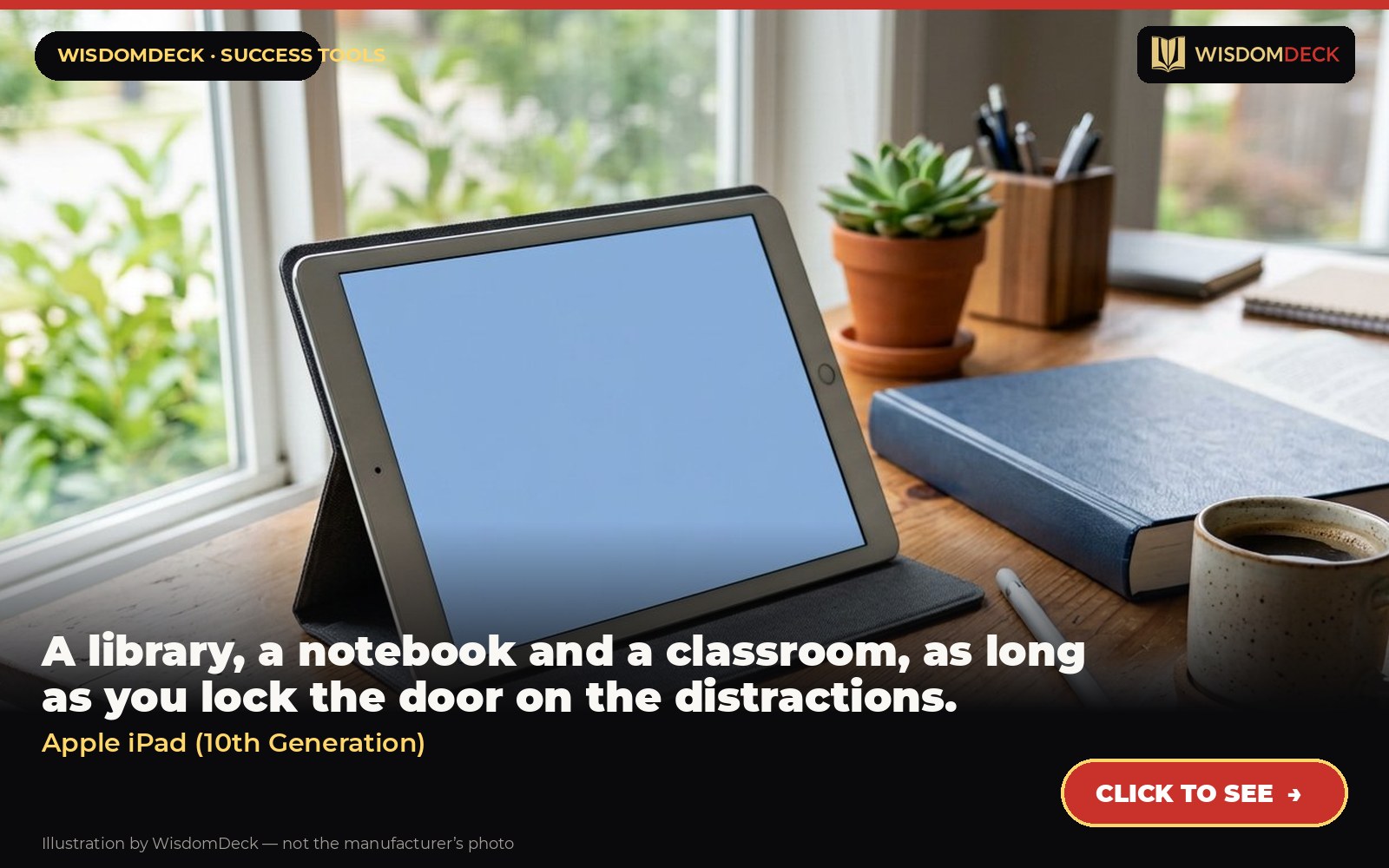
Click hereto see it→Click to see the Apple iPad (10th Generation)
A library, a notebook and a classroom, as long as you lock the door on the distractions.
The problem it solves
Learning something new needs a device that can hold textbooks, handwritten notes, courses and flashcards in one place. The base iPad does all of it. The danger is that it also does everything else, so the setup matters more than the hardware.
What it is
The standard iPad with a 10.9-inch display, USB-C and support for the Apple Pencil.
From the manufacturer’s own listing, the features that matter:
- Why Ipad — Colorfully reimagined and more versatile than ever, iPad is great for the things you do every day. With an all-screen design, 10.9-inch Liquid Retina display, powerful A14 Bionic chip, superfast Wi-Fi, and four gorgeous colors, iPad delivers a power
- IPADOS + APPS — iPadOS makes iPad more productive, intuitive, and versatile. With iPadOS, run multiple apps at once, use Apple Pencil to write in any text field with Scribble, and edit and share photos. iPad comes with essential apps like Safari, Messages, and
- Fast Wi-Fi Connectivity — Wi-Fi 6 gives you fast access to your files, uploads, and downloads, and lets you seamlessly stream your favorite shows.
- Performance And Storage — The A14 Bionic chip delivers power and performance for any activity. And with all-day battery life, iPad is perfect for playing immersive games and editing photos and videos. Choose from 64GB or 256GB storage options.
- Apple Pencil And Magic Keyboard Folio — With Apple Pencil (1st generation), iPad transforms into an immersive drawing canvas and the world’s best note‑taking device. The Magic Keyboard Folio features a versatile two-piece design with a detachable keyboard and
- 10.9-INCH LIQUID RETINA DISPLAY — The gorgeous Liquid Retina display is an amazing way to watch movies or draw your next masterpiece. True Tone adjusts the display to the color temperature of the room to make viewing comfortable in any light.
- Unlock And Pay With Touch Id — Touch ID is built into the top button, so you can use your fingerprint to unlock your iPad, sign in to apps, and make payments securely with Apple Pay.
Who it is for
Study, courses, reading PDFs and handwritten notes in one device.
How to use it in a routine that sticks
Make it a study device: delete social apps on day one, turn on focus mode for study hours and keep only the learning apps on the home screen. Pair it with a stylus for handwritten notes, which are retained better than typed ones. Set a page or lesson count per session, not a time, and log it in the planner.
What buyers say
Praise. Battery and the screen for reading and video lessons are what students mention.
Complaints. It will show you email and social media. If that is the problem, buy an e-reader instead.
Who should skip it
If you mainly read books, the Kindle Paperwhite is cheaper and has no distractions at all. If you want to annotate thousands of pages by hand, the Kindle Scribe or a larger iPad with a better stylus may suit you more.
Alternatives worth a look
- Kindle Scribe — readers who annotate, students marking up papers and anyone who wants a paper-feel notebook that is also their library.
- BIC Brite Liner Highlighters — students and readers who mark up what they want to remember.
Verdict
The most capable learning tool here, and only worth buying if you will discipline it. Set the rules before the first app installs.
Click hereto see it→Click to see the Apple iPad (10th Generation)
Two books to go with it
Ultralearning by Scott H. Young
How to learn hard things quickly and deliberately.
Ultralearning (paperback) Click hereto see it→
Deep Work by Cal Newport
The case for long, uninterrupted blocks — and the rules that protect them.
Deep Work (paperback) Click hereto see it→
Links are affiliate links; the price to you is identical. Nothing here is medical or professional advice; these are tools for learning routines, not treatments.
More picks, with pictures
Three tools and three books that fit the same goal. Each has its own full review here, including who should skip it.
As an Amazon Associate we earn from qualifying purchases. Images are our own review cards, not product photos.






Launch list
Be there on day one.
One email when the book opens on Kickstarter. Nothing else. Already reading the book? Your Cheat Sheet is at wisdomdeck.com/free.
Coming soon on 
The book itself — 40 laws in ten parts, 320 pages, each ending with The Work — is funded first on Kickstarter.


