

A Weekly Whiteboard Routine: Choose a Few Priorities and Review Them
2 min read
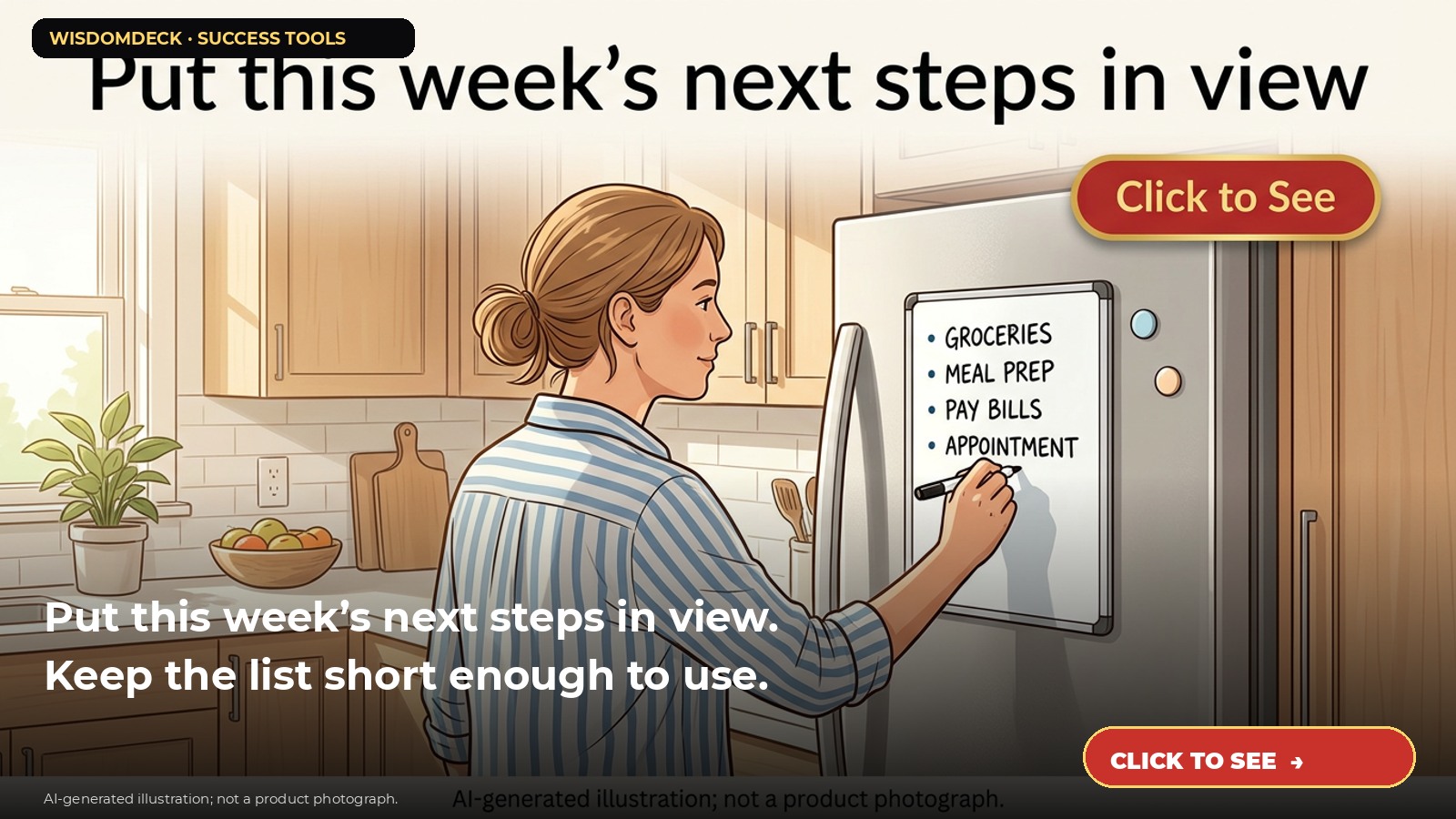
We may earn a commission if you buy through this link.
See ABERLLS magnetic weekly calendar whiteboard on Amazon. Check the current listing before buying; existing supplies may be all you need.
A weekly whiteboard can make a short list visible in a shared space. It is not a substitute for a calendar that sends alerts or a secure place for private information. Use it for a few useful reminders, then review and clear it regularly.
Decide what belongs on the board
Choose a small set of items that help the household or team coordinate: a meal plan, a shared chore, or a reminder to return a call. Do not write passwords, financial details, medical information, access codes, or sensitive names where visitors can see them.
Pick a single person or time of week to update the board. A weekly reset on Sunday evening or Monday morning can be enough. If several people use it, agree on simple markers and avoid filling every available space.
Write tasks as clear next actions
Use short verbs and a due day when useful. “Call school Tuesday” is more actionable than a broad reminder such as “school.” Keep appointments that require exact times in a calendar or phone reminder as well, so the board is not the only place that information exists.
For example, add three priorities, a shared grocery note, and one household task. When an item is finished, erase it or mark it complete. Move unfinished items intentionally rather than copying every open task automatically.
Place it where it can be used safely
Check whether the board is magnetic, wall-mounted, or intended for another surface, and follow the product instructions. Test that magnets hold securely on the chosen surface. If you mount a board, use the included hardware and appropriate method for the wall; get permission before drilling in a rental.
Keep markers and erasers away from young children and pets. Use only the marker type recommended for the surface. Test a corner first if uncertain, and erase before ink sits for a long time if the instructions advise it.
Review and protect the surface
At the end of the week, transfer any still-relevant item to the right calendar or task list, then wipe the board with the recommended method. Avoid abrasive cleaners that could damage the writing surface. Replace markers that have dried out, and store them capped.
A board works best when the list stays current. If it becomes a cluttered backlog, erase it and rebuild a short list instead of treating every old item as equally urgent.
Check dimensions and what’s included
Measure the intended location and check the current listing for board size, mounting style, marker compatibility, and included accessories. The referenced ABERLLS item is described as a double-sided weekly board; verify the exact version before buying.
A notebook, existing planner, or scrap paper may serve just as well. Choose a board if a visible shared reminder will make your routine easier.

Launch list
Be there on day one.
One email when the book opens on Kickstarter. Nothing else. Already reading the book? Your Cheat Sheet is at wisdomdeck.com/free.
Coming soon on 
The book itself — 40 laws in ten parts, 320 pages, each ending with The Work — is funded first on Kickstarter.


