Elgato Key Light Air Review: One Light Fixes Ninety Percent of How You Look on Camera
3 min read
As an Amazon Associate we earn from qualifying purchases. Nobody paid to be on this page; we only list what we would hand to a friend. We have not laboratory-tested these items — we read the specifications and hundreds of buyer reviews, praise and complaints alike, and chose accordingly.
Click hereto see it→Click to see the Elgato Key Light Air
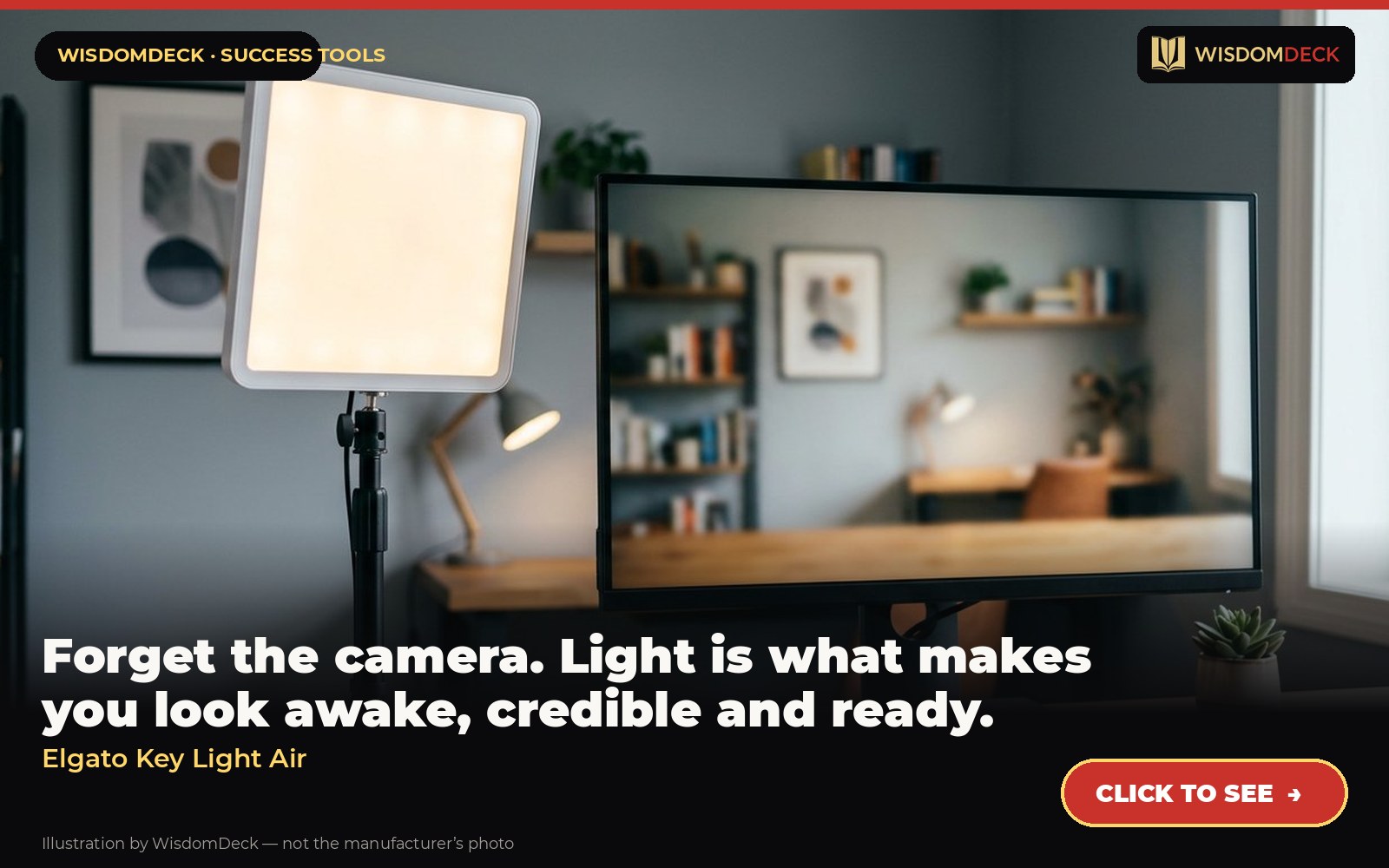
Forget the camera. Light is what makes you look awake, credible and ready.
The problem it solves
The difference between a professional-looking call and a dim, grainy one is almost entirely light, not the camera. A soft, adjustable panel at the edge of the desk, controlled from the computer, lifts the face out of the shadows and lets the webcam do its job.
What it is
A compact, app-controlled panel light that sits on a desk stand and adjusts brightness and color temperature.
From the manufacturer’s own listing, the features that matter:
- Wi-Fi Enabled: switch on/off and fine-tune light settings via the app on Mac/Windows/iPhone/Android.
- 1400 Lumens: effectively illuminate your workspace and dim to a subtle glow.
- 2900 – 7000 K: adjust color temperature from sunset amber to arctic blue.
- 80 Premium OSRAM LEDs: deliver constant intensity while keeping cool.
- Edge-Lit: indirect illumination guarantees comfort for hours.
Who it is for
Home video, teaching and streaming — a proper key light that does not take over the room.
How to use it in a routine that sticks
Place it slightly above eye level and to one side of the screen, soft and warm, dimmed so it does not glare. Set a keyboard shortcut to turn it on; the light becomes the cue that you are on stage. Turn it off when the call ends, which is also the signal that you can relax your posture.
What buyers say
Praise. The quality of light and the ability to set it from a phone or computer are the repeated compliments.
Complaints. Needs Wi-Fi and the app; the stand is short for tall desks.
Who should skip it
It needs a desk edge and a power outlet, and the app is required for control. If you only want a light that also helps you work at night, the BenQ ScreenBar lights the desk, not the face; they do different jobs.
Alternatives worth a look
- Logitech Brio — anyone on video calls daily — interviews, client meetings, teaching — who is tired of looking grainy.
- Blue Yeti — first podcasts, voice-overs, recording your own scripts and sounding serious on calls.
Verdict
Buy the light before the camera. This is the one most remote professionals end up with.
Click hereto see it→Click to see the Elgato Key Light Air
Two books to go with it
Talk Like TED by Carmine Gallo
What great talks have in common and how to practice them.
Talk Like TED (paperback) Click hereto see it→
So Good They Can't Ignore You by Cal Newport
Why skill beats passion when building a career worth having.
So Good They Can't Ignore You (paperback) Click hereto see it→
Links are affiliate links; the price to you is identical. Nothing here is medical or professional advice; these are tools for voice routines, not treatments.
More picks, with pictures
Three tools and three books that fit the same goal. Each has its own full review here, including who should skip it.
As an Amazon Associate we earn from qualifying purchases. Images are our own review cards, not product photos.




Launch list
Be there on day one.
One email when the book opens on Kickstarter. Nothing else. Already reading the book? Your Cheat Sheet is at wisdomdeck.com/free.
Coming soon on 
The book itself — 40 laws in ten parts, 320 pages, each ending with The Work — is funded first on Kickstarter.